

Uneekor EYE XO AI Studio
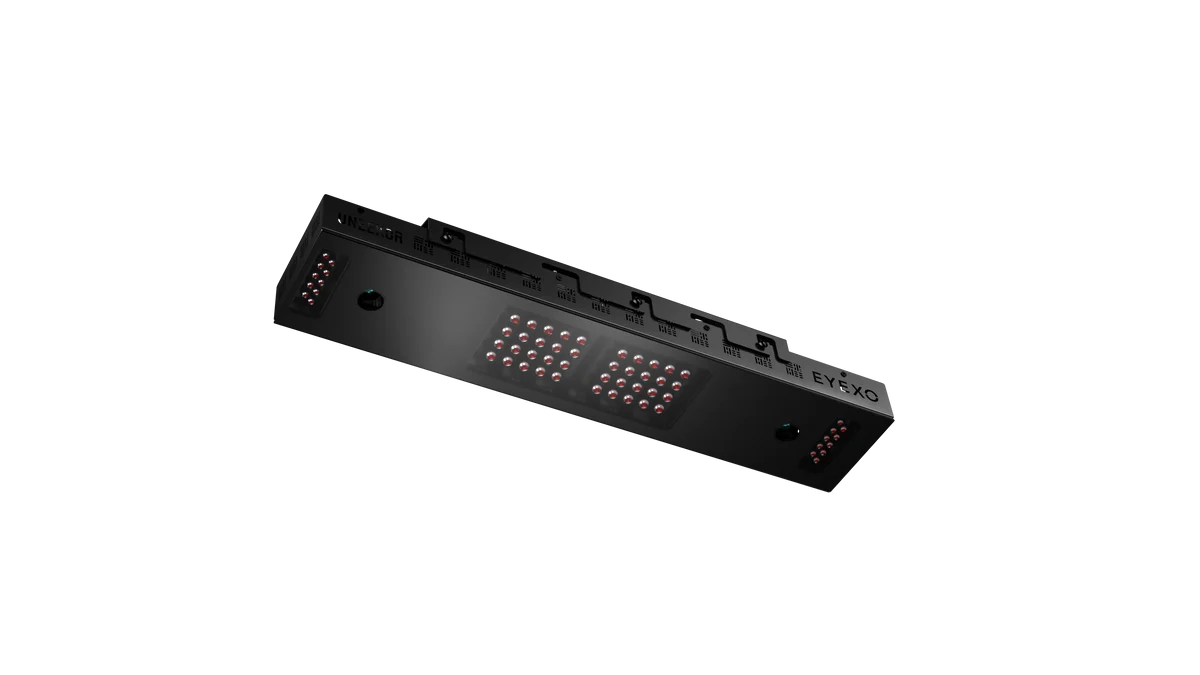
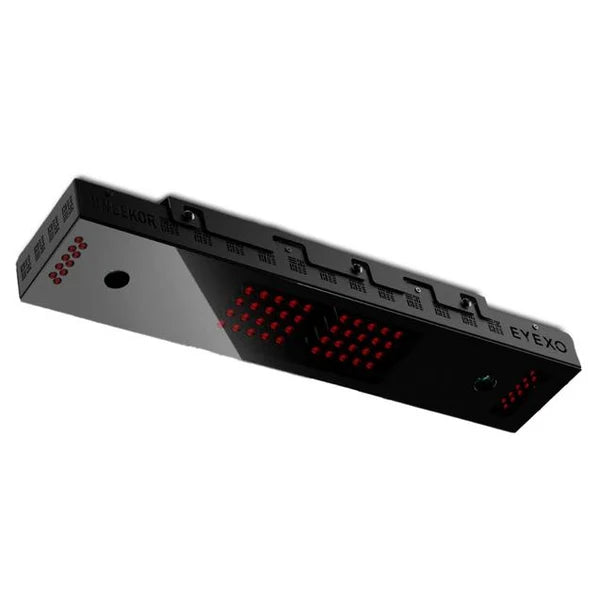
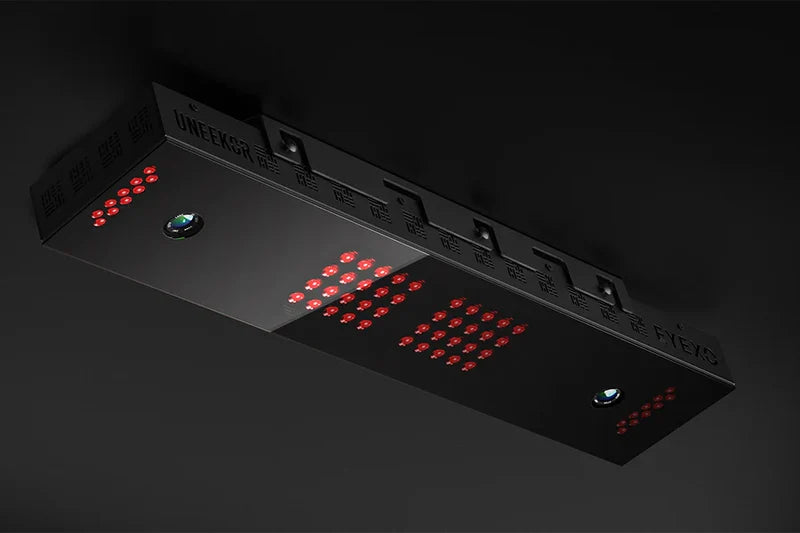
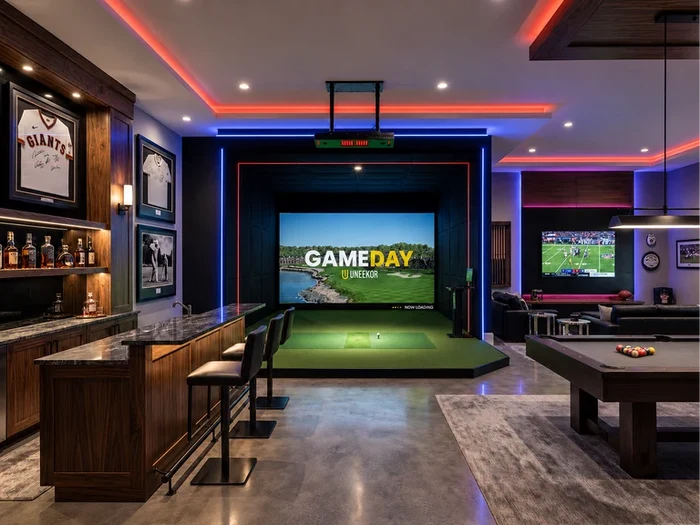
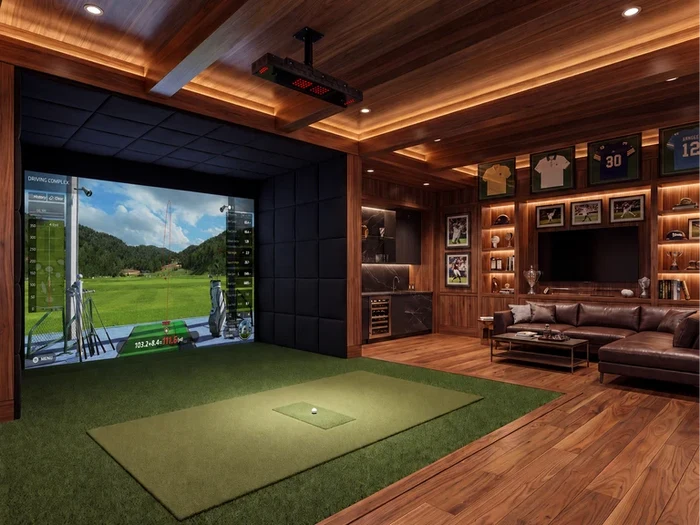
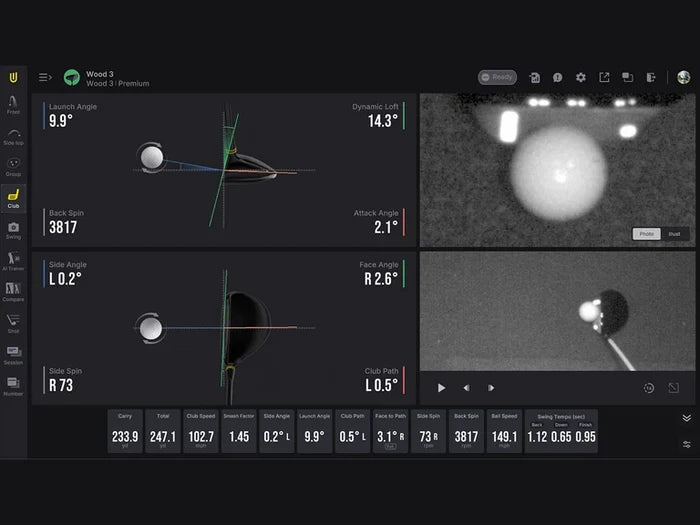
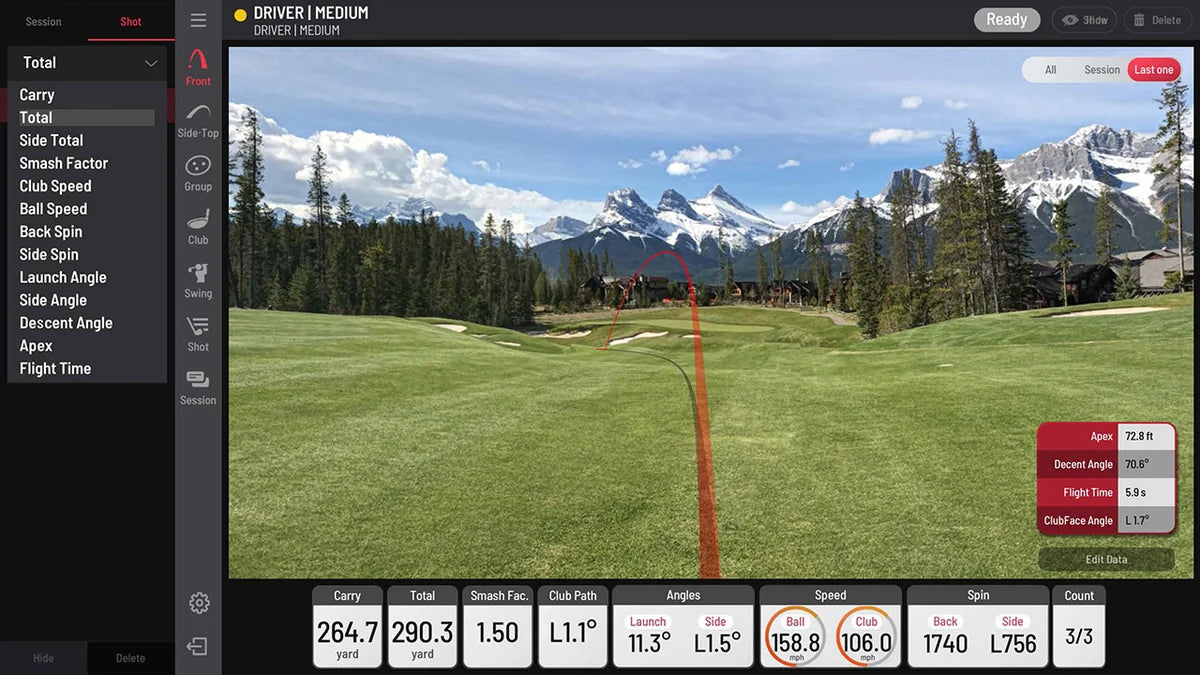
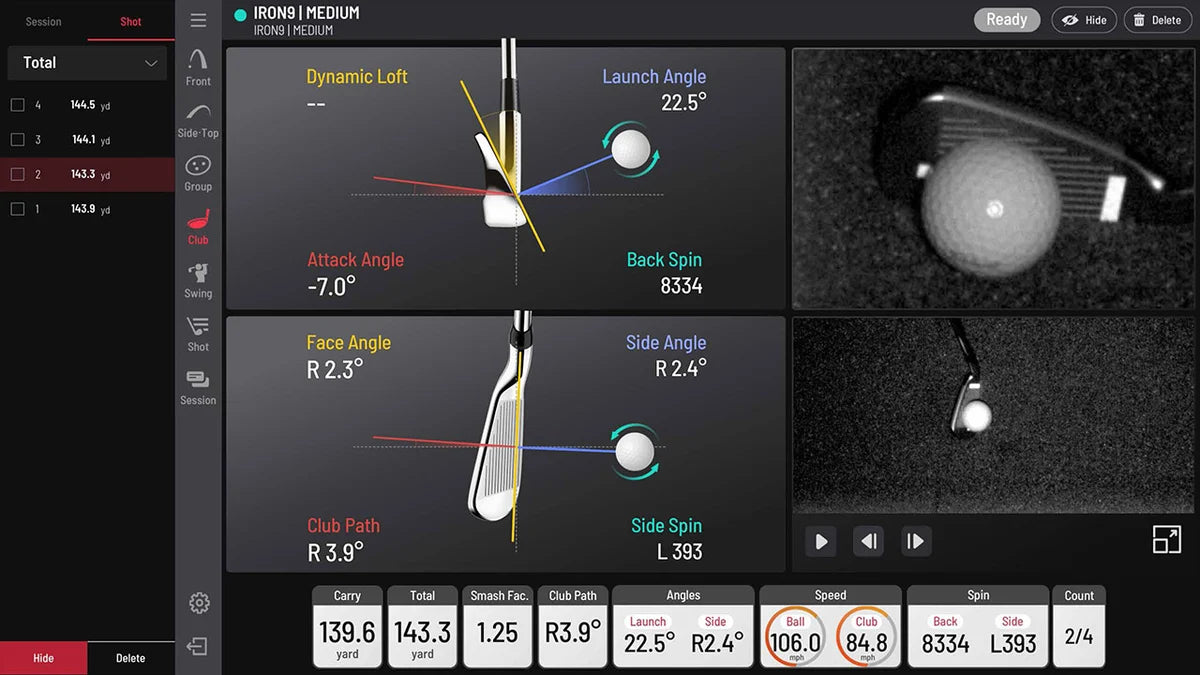
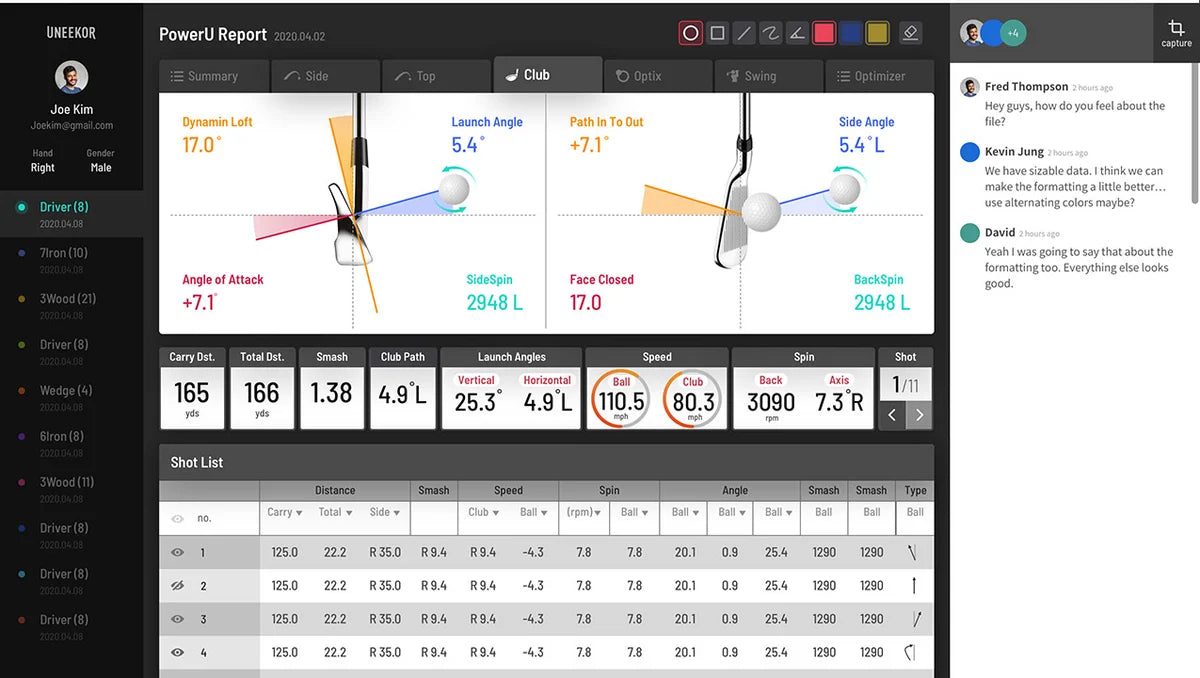
The Uneekor EYE XO is a ceiling-mounted, camera-based launch monitor built for dedicated indoor golf simulator bays in Canada. It captures detailed ball and club data for focused practice, coaching, and full simulator play, ideal for year-round training when you want a setup that stays consistent once installed and dialled in.
Designed for home golf simulators and training setups across Canada, the EYE XO helps you track key launch and impact details session to session, without repositioning the unit each time you play.
What's Included:
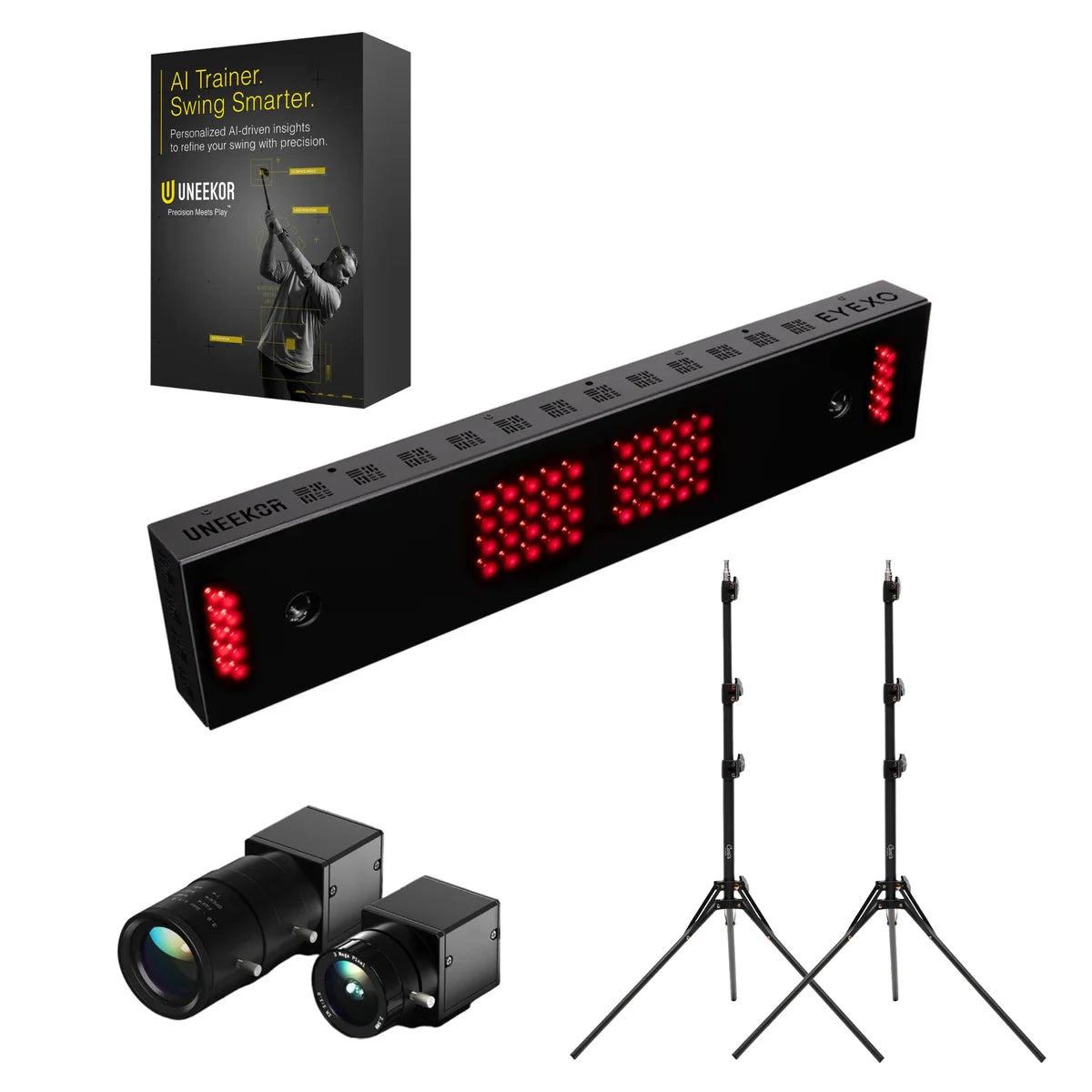
- EYE XO Launch Monitor
- Swing Optix® Cameras ($2,414 Value)
- Carl's Place 2-Tripod Set ($114 Value)
- Player Package
- Free 1-Year AI Trainer
- Free 3-Month Ultimate Package
Accessories
Availability and lead times vary by product.
Personal guidance from SimCaddy before and after your purchase.
Manufacturer warranty included where applicable.
Canada-wide shipping - free on most items.
Uneekor EYE XO AI Studio
If you have any questions, you are always welcome to contact us. We'll get back to you as soon as possible, within 24 hours on weekdays.
-
Shipping Information
Use this text to answer questions in as much detail as possible for your customers.
-
Customer Support
Use this text to answer questions in as much detail as possible for your customers.
-
FAQ’s
Use this text to answer questions in as much detail as possible for your customers.
-
Contact Us
Use this text to answer questions in as much detail as possible for your customers.